3D Printer Speed Explained: What Does mm/s Actually Mean?
Understanding 3D printer speed specs. Learn what mm/s means, why advertised speeds are misleading, and what actually affects print time.
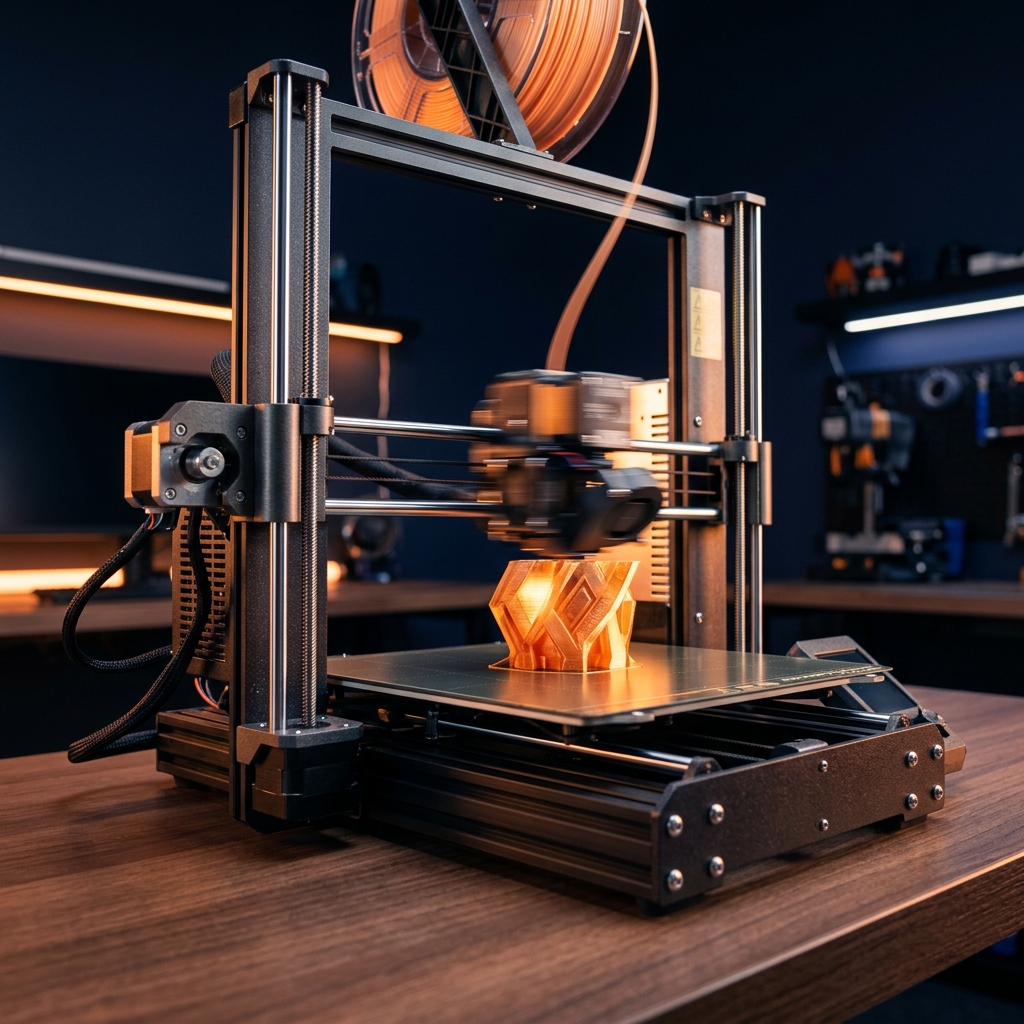
The Speed Wars: Marketing vs Reality
Every 3D printer manufacturer advertises maximum speed in mm/s. But what does this number actually mean, and why doesn't your 500mm/s printer feel 5x faster than a 100mm/s one? Let's cut through the marketing hype and understand what really affects print time.
What mm/s Means
Millimeters per second (mm/s) measures how fast the print head moves while depositing filament. A 500mm/s printer moves the nozzle five times faster than a 100mm/s printer — in theory.
Why Advertised Speeds Are Misleading
1. Maximum vs. Average Speed
That 500mm/s number is the maximum speed, only achieved on long, straight paths. On curves, corners, and small details, the printer slows down dramatically. Real-world average speeds are typically 40-60% of the maximum.
2. Acceleration Matters More
A printer that accelerates quickly can maintain higher average speeds. This is why "input shaping" (vibration compensation) is so important — it allows higher acceleration without quality loss. Think of it like a car: a sports car that accelerates from 0-60 in 3 seconds will win a city race against one that takes 10 seconds, even if both have the same top speed.
3. Quality Trade-offs
Printing faster often means slightly rougher surface finish, more visible layer lines, higher risk of failed prints, and more noise. Every speed increase comes with a trade-off.
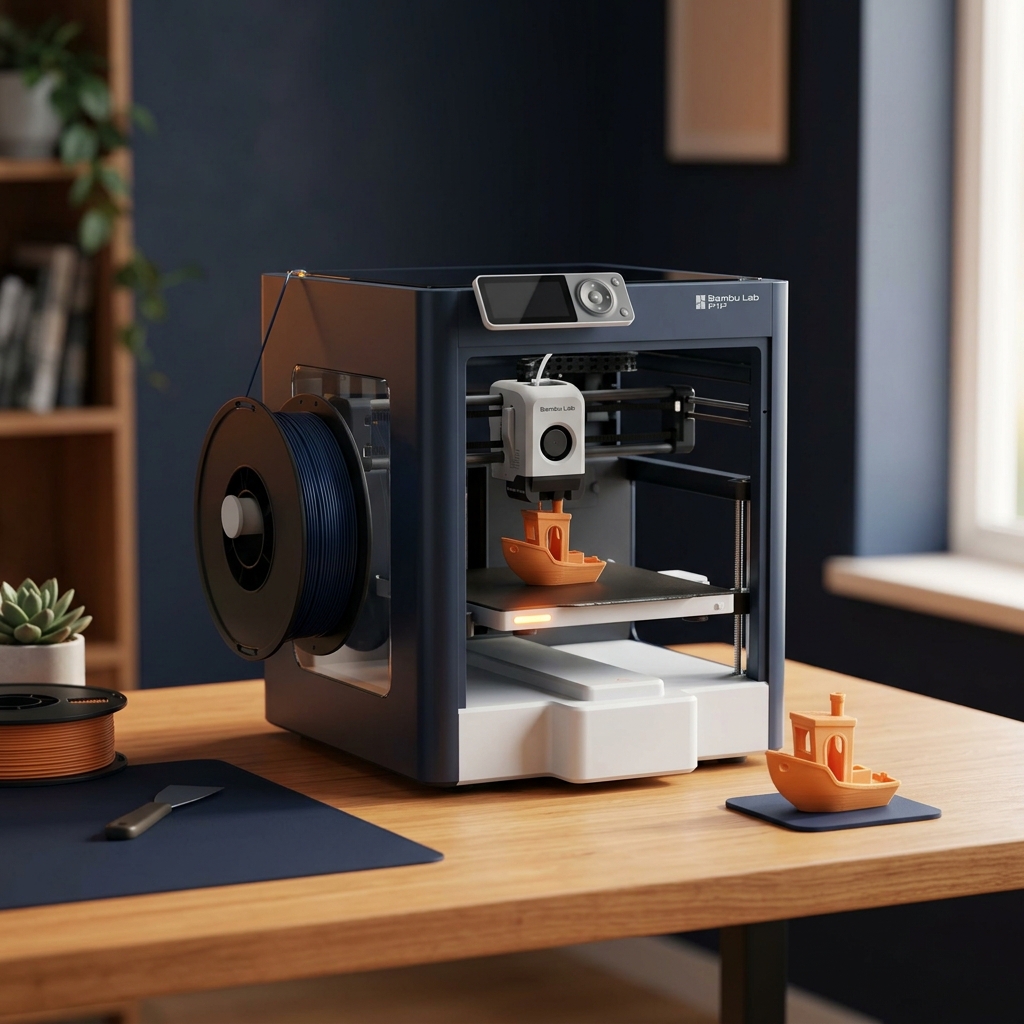
Real-World Speed Comparison (3D Benchy Test)
| Printer | Max Speed | Typical Speed | Benchy Time | Quality at Speed |
|---|---|---|---|---|
| Bambu Lab P1S | 500mm/s | 300mm/s | ~18 min | ⭐⭐⭐⭐⭐ |
| Creality K1C | 600mm/s | 350mm/s | ~16 min | ⭐⭐⭐⭐ |
| Bambu Lab A1 Mini | 500mm/s | 280mm/s | ~20 min | ⭐⭐⭐⭐⭐ |
| Prusa MK4S | 200mm/s | 150mm/s | ~45 min | ⭐⭐⭐⭐⭐ |
| Ender 3 V3 SE | 250mm/s | 150mm/s | ~50 min | ⭐⭐⭐⭐ |
Speed vs Quality: Finding the Sweet Spot
For most users, the sweet spot is 60-70% of maximum speed. This gives you:
- ✅ 90% of the time savings vs. slow printing
- ✅ 95% of the quality compared to slower speeds
- ✅ Significantly reduced failure rate
- ✅ Acceptable noise levels
The Bottom Line
Don't buy a printer solely based on its maximum speed number. Look at real-world Benchy times, acceleration specs, and user reviews about quality at speed. A printer that reliably produces great prints at 300mm/s is better than one that occasionally hits 600mm/s but fails half the time.
Want to see these printers compared side-by-side? Use our comparison tool.
🛒 Check Bambu Lab P1S Price on Amazon 🛒 Check Creality K1C Price on AmazonRelated Articles
Ready to Start Printing?
Browse our tested and reviewed 3D printers to find the perfect match for your needs and budget.