Best 3D Printer for Beginners (June 2026): A Complete Buying Guide
Choosing your first 3D printer can be overwhelming. This guide breaks down the top beginner-friendly printers, what to look for, and how to avoid common mistakes.
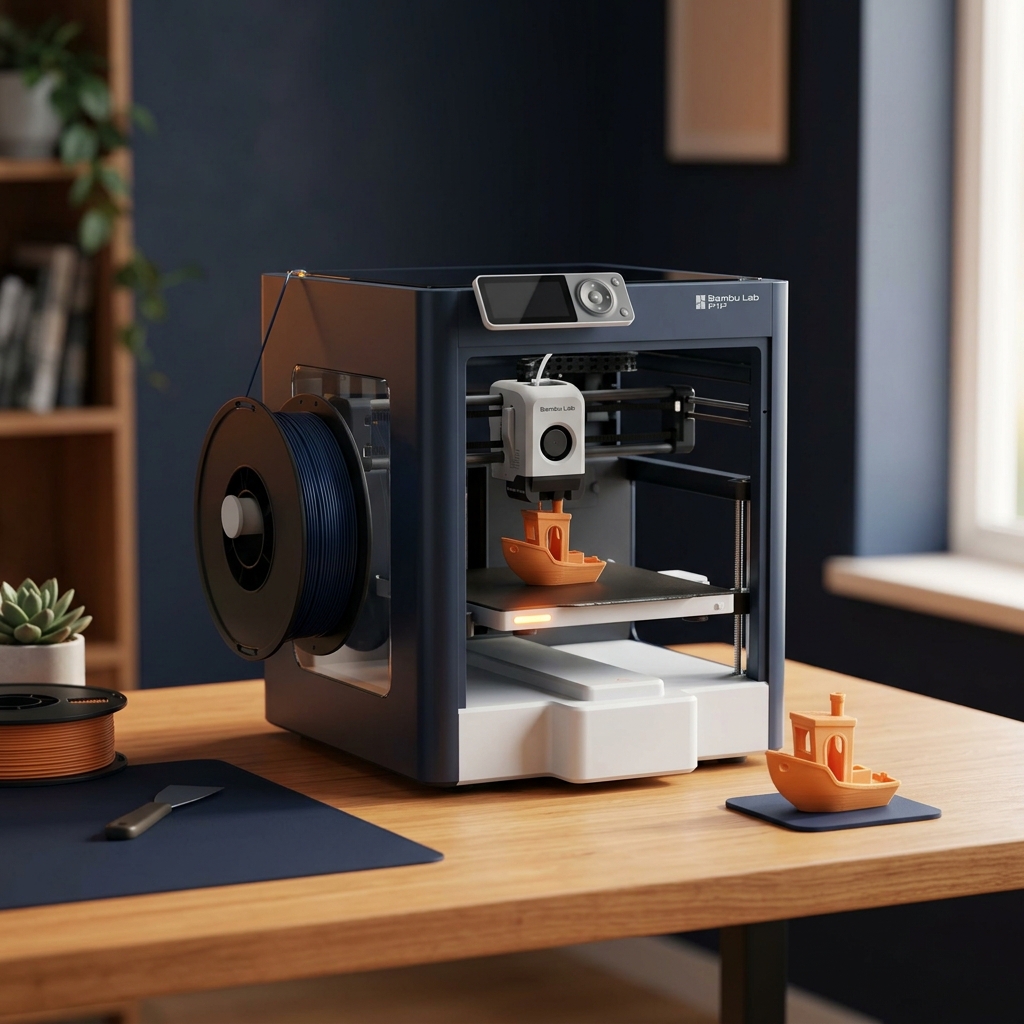
Why 2026 Is the Best Time to Start 3D Printing
The 3D printing landscape has changed dramatically. What used to require hours of calibration and technical knowledge now comes out of the box ready to print. Modern printers feature automatic bed leveling, input shaping for high speeds, and even AI-powered defect detection.
Whether you want to create custom parts, prototypes, art pieces, or gifts — there has never been a better (or cheaper) time to start. Let's help you find the perfect printer.
What to Look for in Your First 3D Printer
1. Auto Bed Leveling (Must-Have)
Manual bed leveling was the #1 frustration for beginners. Every printer we recommend now includes automatic bed leveling, saving you hours of frustration. This feature uses a probe to map your build plate and compensate for any unevenness — it's a game changer.
2. Build Volume
Think about what you want to print. For most beginners, a 220×220×250mm build volume is more than enough. You can always upgrade later. Larger volumes add cost and complexity.
3. Print Speed
Modern printers reach 500mm/s, but quality matters more than speed for beginners. A printer that delivers clean 250mm/s prints is better than one that struggles at 500mm/s.
4. Community Support
A large community means more troubleshooting help, free models, and upgrade guides. Creality and Bambu Lab lead in community size with millions of users worldwide.
Our Top Picks for Beginners
| Printer | Category | Speed | Build Volume | Auto Level | WiFi |
|---|---|---|---|---|---|
| Creality Ender 3 V3 SE | 🏆 Best Budget | 250mm/s | 220×220×250mm | ✅ | ❌ |
| Bambu Lab A1 Mini | ⭐ Best Premium | 500mm/s | 180×180×180mm | ✅ | ✅ |
| Elegoo Neptune 4 Pro | 💎 Best Value | 500mm/s | 225×225×265mm | ✅ | ✅ |
| AnkerMake M5C | 📱 Best App | 500mm/s | 220×220×250mm | ✅ | ✅ |
🏆 Best Overall: Creality Ender 3 V3 SE
The Ender 3 V3 SE hits the perfect sweet spot — auto leveling, direct drive extruder, and a massive community, all under $200. It's the printer that's introduced more people to 3D printing than any other. The direct drive extruder means you can print flexible filaments like TPU right out of the box.
Pros: Unbeatable price, massive community, direct drive, auto-leveling included
Cons: No WiFi, slower than Bambu Lab printers, basic touchscreen
🛒 Check Ender 3 V3 SE Price on Amazon⭐ Best Premium: Bambu Lab A1 Mini
If you can stretch your budget, the A1 Mini is a revelation. 500mm/s speeds, automatic calibration, and print quality that rivals printers three times its price. The Bambu Handy app lets you monitor prints remotely from your phone.
Pros: Blazing fast, zero-calibration setup, excellent print quality, built-in camera
Cons: Smaller build volume (180mm), no enclosure, proprietary spool system
🛒 Check Bambu Lab A1 Mini Price on Amazon💎 Best Value: Elegoo Neptune 4 Pro
Running Klipper firmware with 500mm/s speeds at under $260, the Neptune 4 Pro punches well above its weight class. The linear rail on the Y-axis provides excellent stability even at high speeds.
Pros: Klipper firmware, 500mm/s, linear rails, great price
Cons: WiFi setup can be tricky, bed adhesion needs tuning
🛒 Check Neptune 4 Pro Price on AmazonCommon Beginner Mistakes to Avoid
| Mistake | Why It's a Problem | The Fix |
|---|---|---|
| Skipping bed leveling | First layer won't stick properly | Run auto-level before every print session |
| Wrong filament temp | Under/over extrusion, stringing | Start with manufacturer's recommended settings |
| Printing too fast | Poor quality, layer shifting | Start at 50% speed, increase gradually |
| Ignoring first layer | Print fails 30 minutes in | Always watch the first 2-3 layers |
| Not drying filament | Bubbles, stringing, weak parts | Use a filament dryer, especially for PETG |
What Filament Should You Start With?
Start with PLA filament — it's the easiest to print, requires no heated enclosure, and produces great-looking results. We recommend HATCHBOX PLA as the gold standard for beginners.
🛒 Check HATCHBOX PLA Price on AmazonOnce you're comfortable with PLA, try eSUN PLA+ for stronger parts, or PETG for functional items that need water and heat resistance.
🛒 Check eSUN PLA+ Price on AmazonBottom Line
You don't need to spend $1,000 to get into 3D printing. A $200 printer in 2026 delivers better results than a $1,000 printer from 2020. Start with the Ender 3 V3 SE, learn the basics, and upgrade when you outgrow it. Our free cost calculator can help you estimate your ongoing costs.
Related Articles
Ready to Start Printing?
Browse our tested and reviewed 3D printers to find the perfect match for your needs and budget.